

A camera and a smartphone are not the same. But carrying a camera in addition to a mobile is not usual, and we end up using this second to take photos. The problem is that the quality of these cannot be compared with a gadget focused on photography. However, that's what photo editing apps are for. And, in case you don't know, nowadays there are many applications with which to improve your photos and make them more beautiful, even mind-blowing.
Given that mobile phones are increasingly being manufactured not only with powerful processors but also with high-quality cameras, it's not unreasonable to have photo editing apps on your phone. However, with so many available on Google Play or the Apple Store, which are the best photo editing apps? Today we've compiled a list for you.
These are the best app to edit photos
We know that a picture is worth a thousand words. We also know that a photo you take at a particular moment, when you look at it later, brings back the memories and feelings of that moment. That's why getting the best quality is a priority, but so is retouching those imperfections that you don't notice at the time. A poorly focused photo, a blurry image, out-of-focus areas, the dreaded red-eye, or even poor lighting can ruin your photos. Until now.
Here are some photo editing apps with which to have a before and after of your image gallery. In addition, they will be perfect for uploading to social networks (Instagram, Facebook, Pinterest, Twitter ...) the best "face" of those photos.
App to edit photos: Pixlr
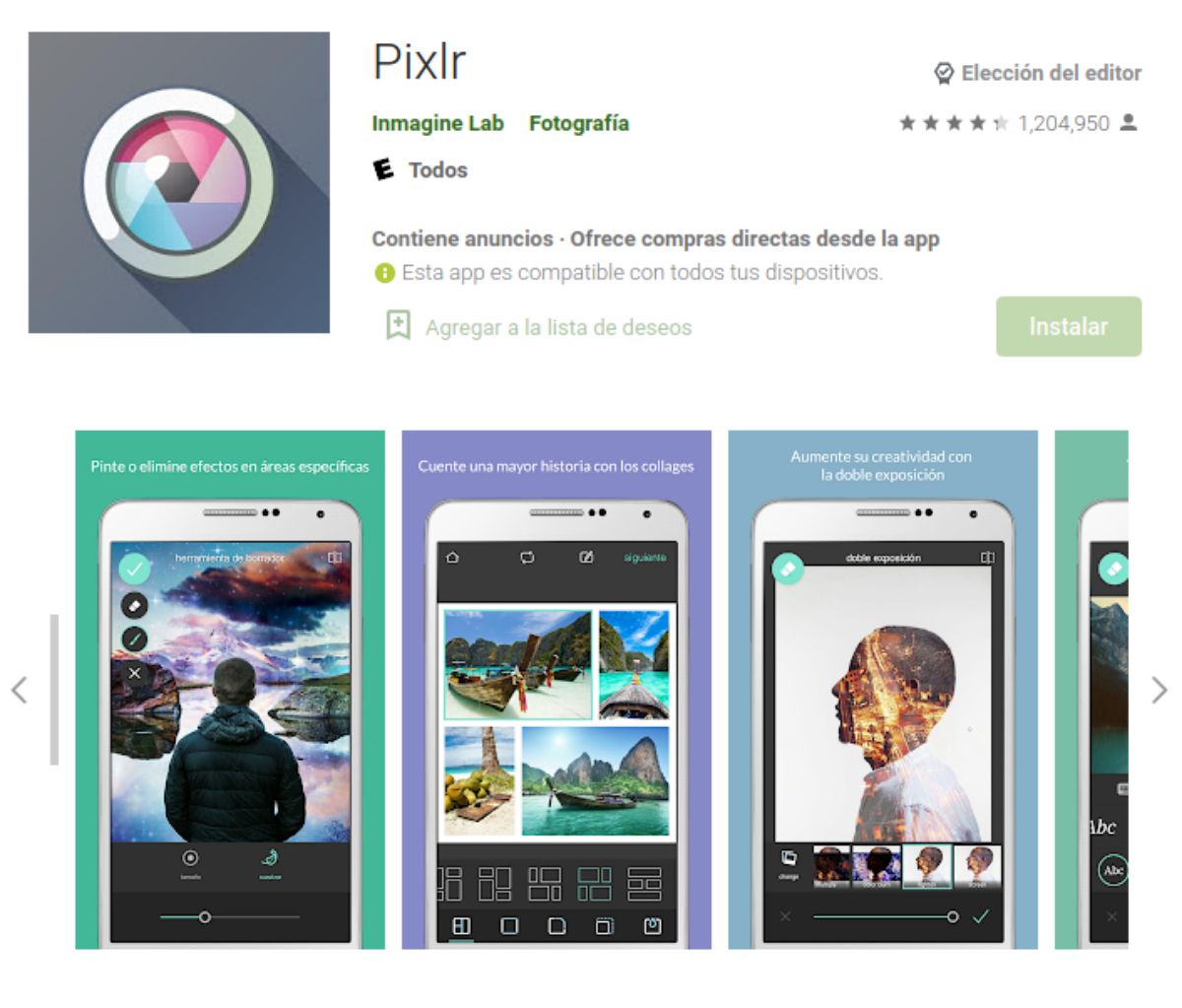
Pixlr is a very powerful photo editor and best of all, it's free. That means that you will be able to work with the image to get the maximum performance and quality from it, without costing you a euro.
It doesn't just retouch images; it also lets you create designs, insert text, make collages— an all-in-one app available for Android and iOS. In fact, it has a very high rating and is available not only on mobile but also on computers.
Scratch Photos
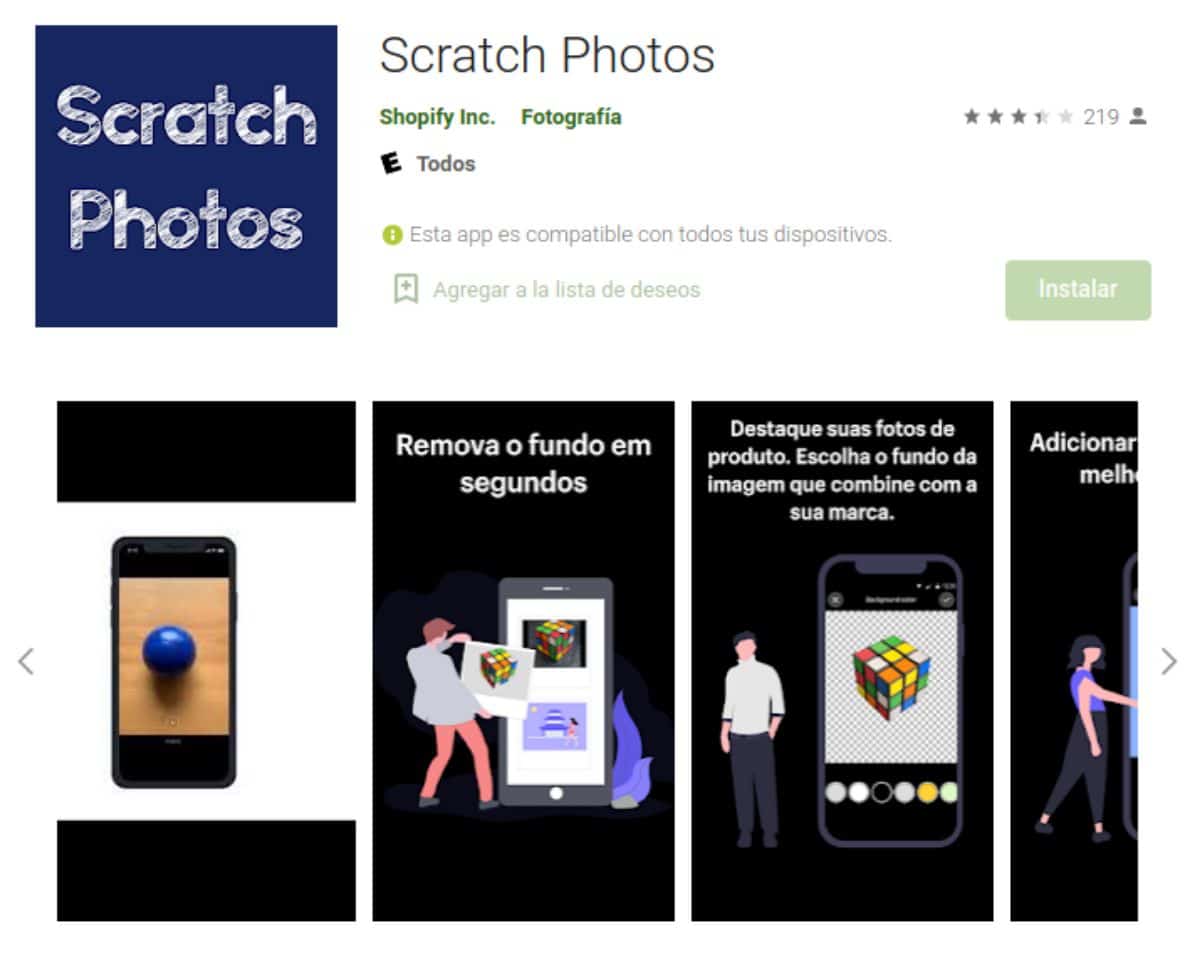
This photo editing app focuses on photo backgrounds. What can it do for you? Well, it can edit the image background to change it if you don't like the current one. But it also has the ability to add depth, giving the impression that the image is 3D or moving.
Like the previous one, it is available on both iOS and Android and is also free. Getting her will not cost you anything and it never hurts to have her on the phone for what might happen.
Adobe Lightroom
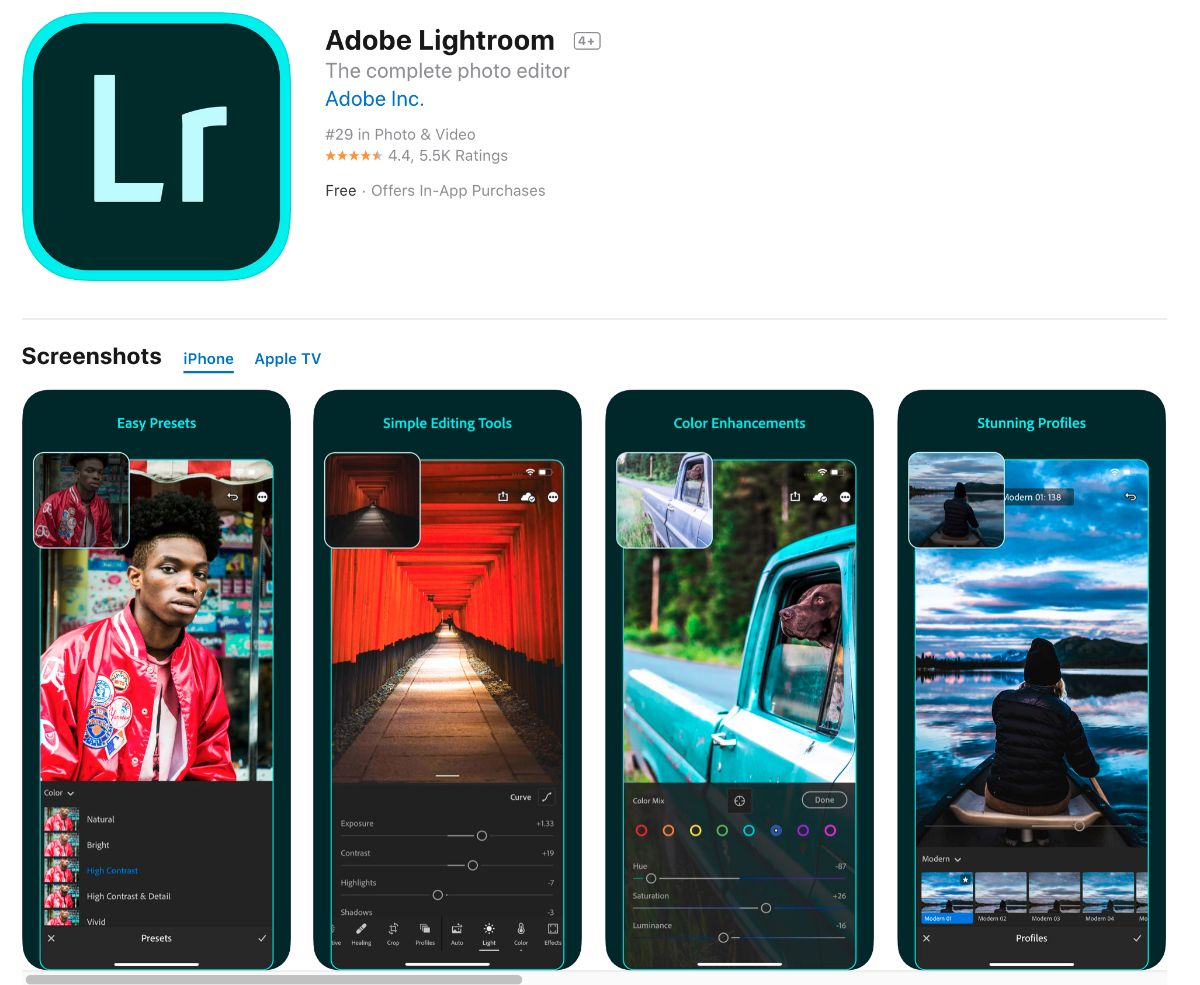
With this app for photos we have contradictory opinions. And it is a free app for Android and iOS, but it is limited in what you can do. Therefore, depending on the objective you want to achieve when retouching the photos, you could choose it or not.
What is clear is that it is one of the most professional editing applications, and it is the one used by many photography experts (both on the computer and on the mobile or tablet).
Photoshop Express
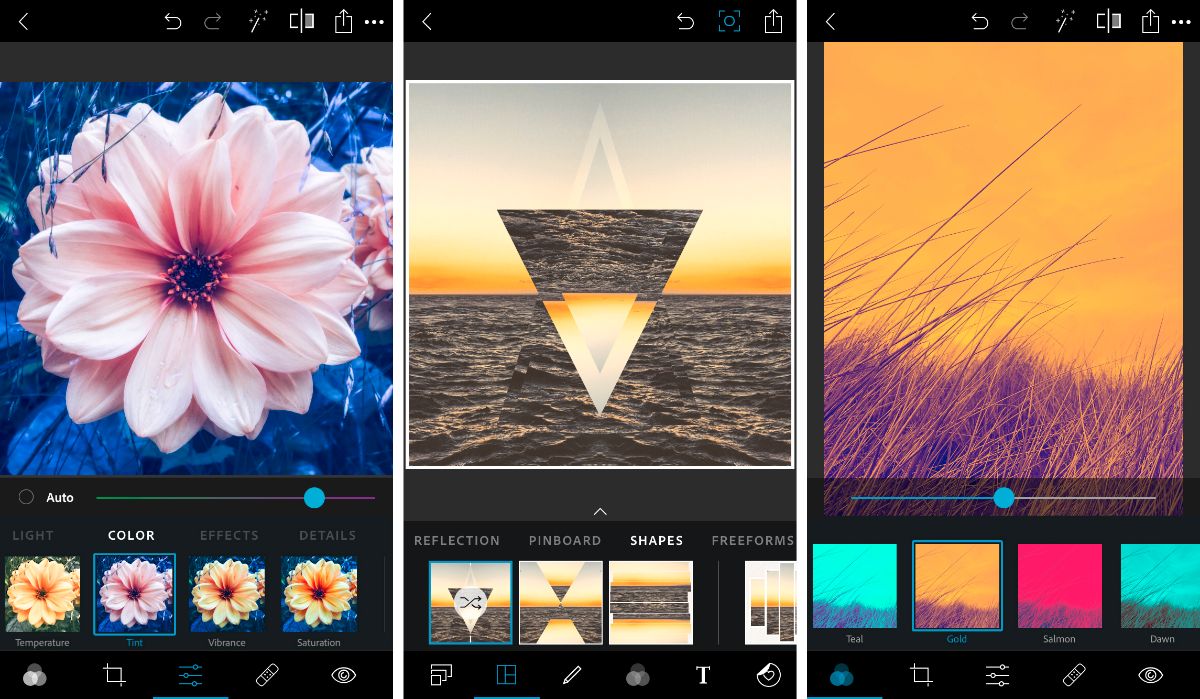
If we have talked about Adobe Lightroom, we cannot leave Photoshop aside, because in case you don't know, there is also an application to edit images of the most popular photo retouching program.
Snapseed
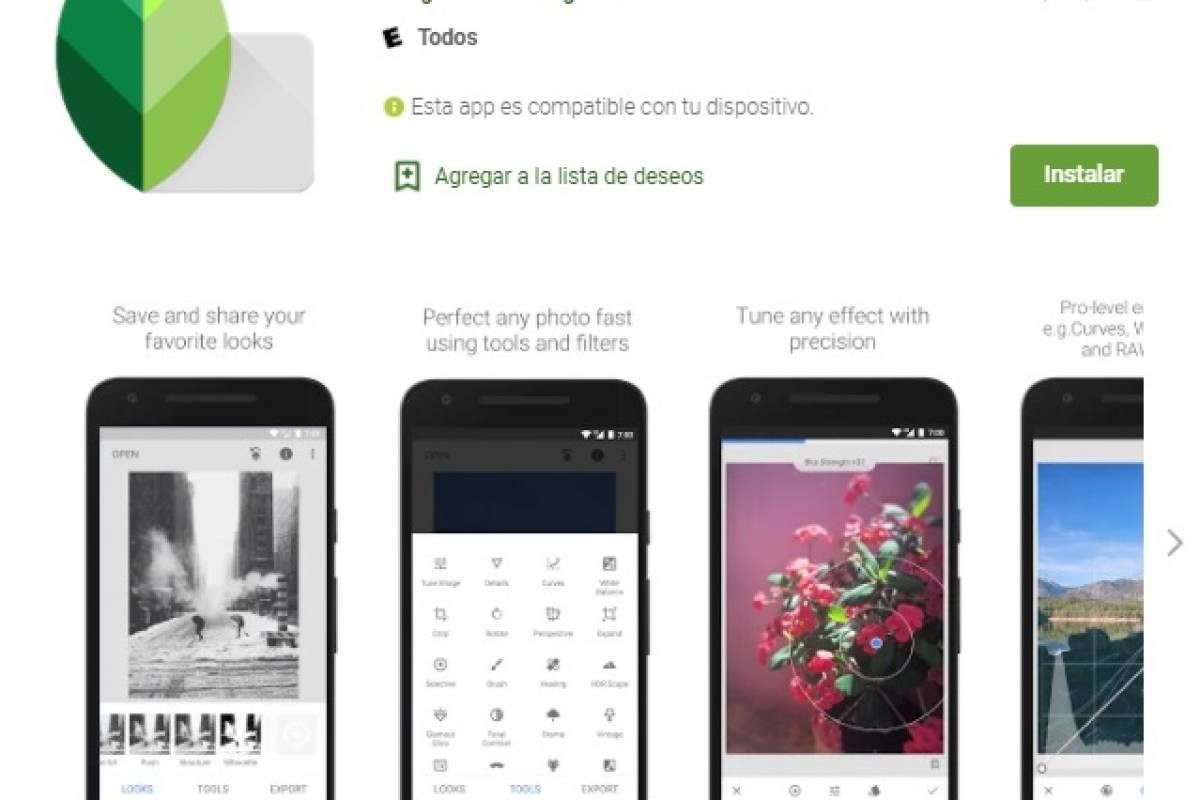
This application for Android and iOS is also free and also one that allows you to retouch photos at a professional level. In fact, it is designed by Google and you have many options to edit the photos.
The best part is the photo effects, which you can relate to Photoshop's layers. This allows you to create different designs. In fact, it lets you create your own filters and also use other tools, such as text, vignettes, frames, image cropping, and more.
VSCO
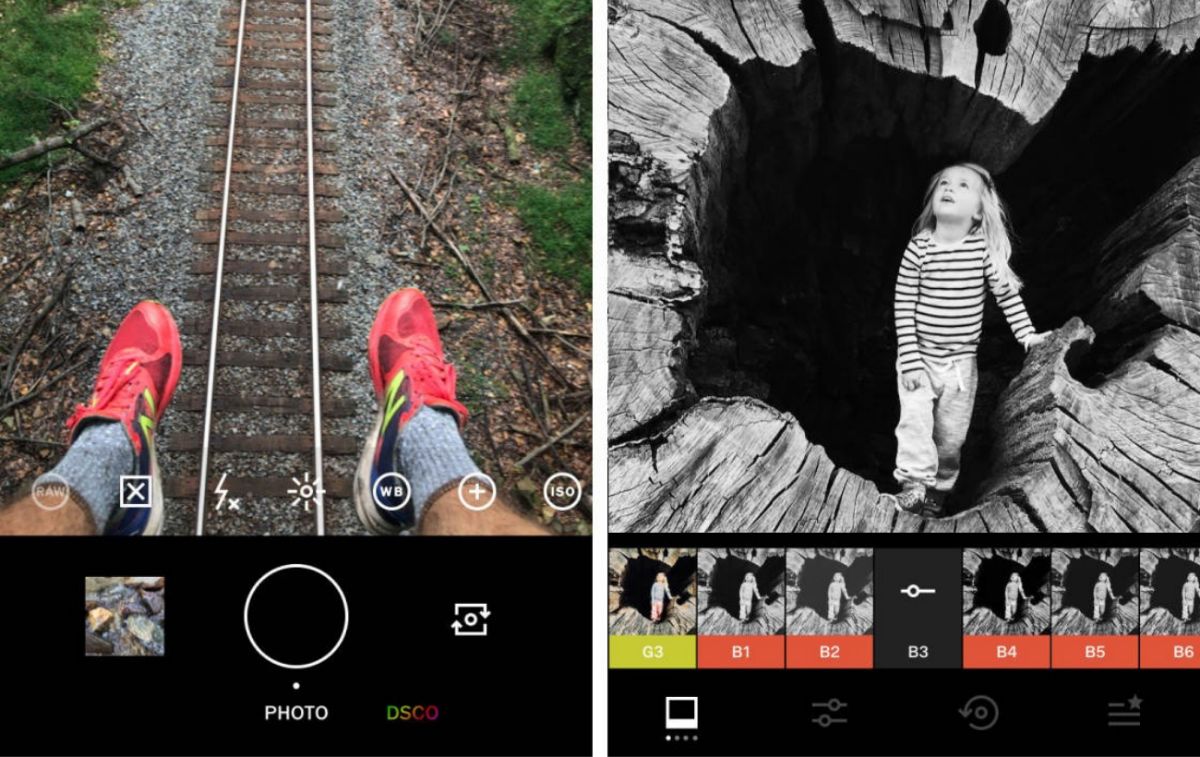
This app to edit photos is very similar to Instagram with several filters that make the photos look like they were taken by true professionals.
Specifically, it's ideal for those looking for classic or vintage photos, but that doesn't mean it lacks other filters. You'll also find options like cropping, borders, vignettes, and text.
Prisma Photo Editor
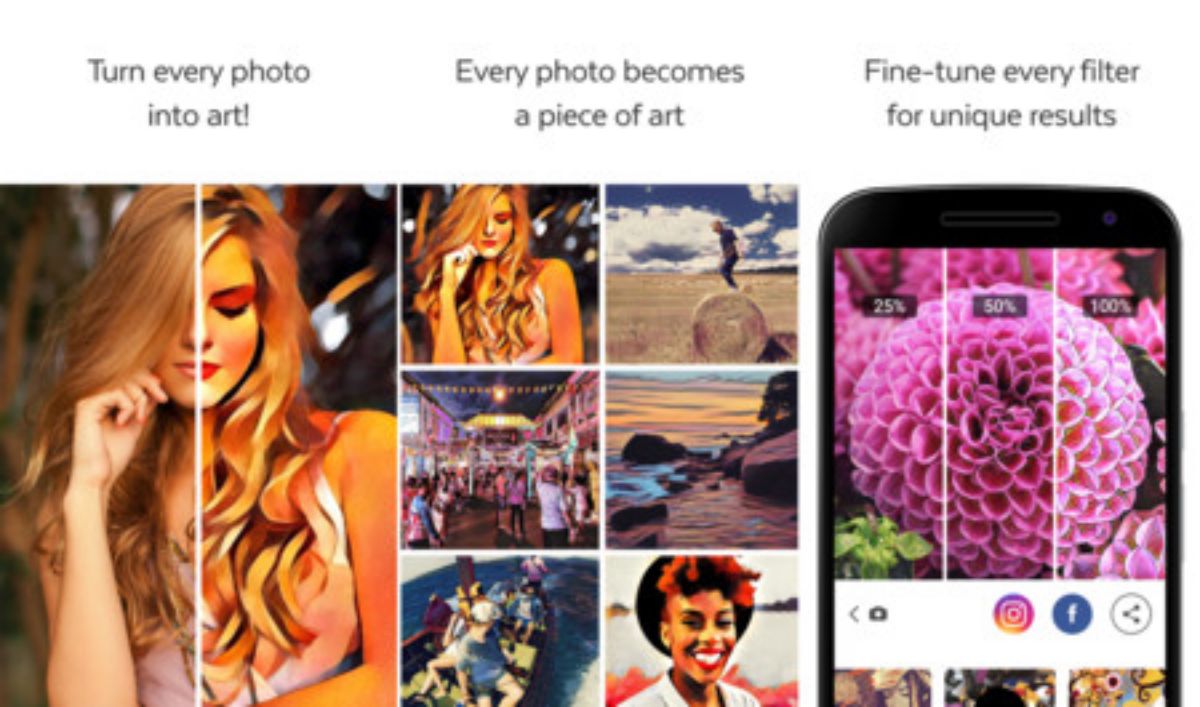
Looking for one of the best photo editing apps that's different from the usual? Then try this one. Available for iOS and Android, it lets you transform photos into paintings and drawings using its filters.
For example, you can make a photo have the style of Salvador Dalí, Picasso ...
Photo editing app: Hypocam
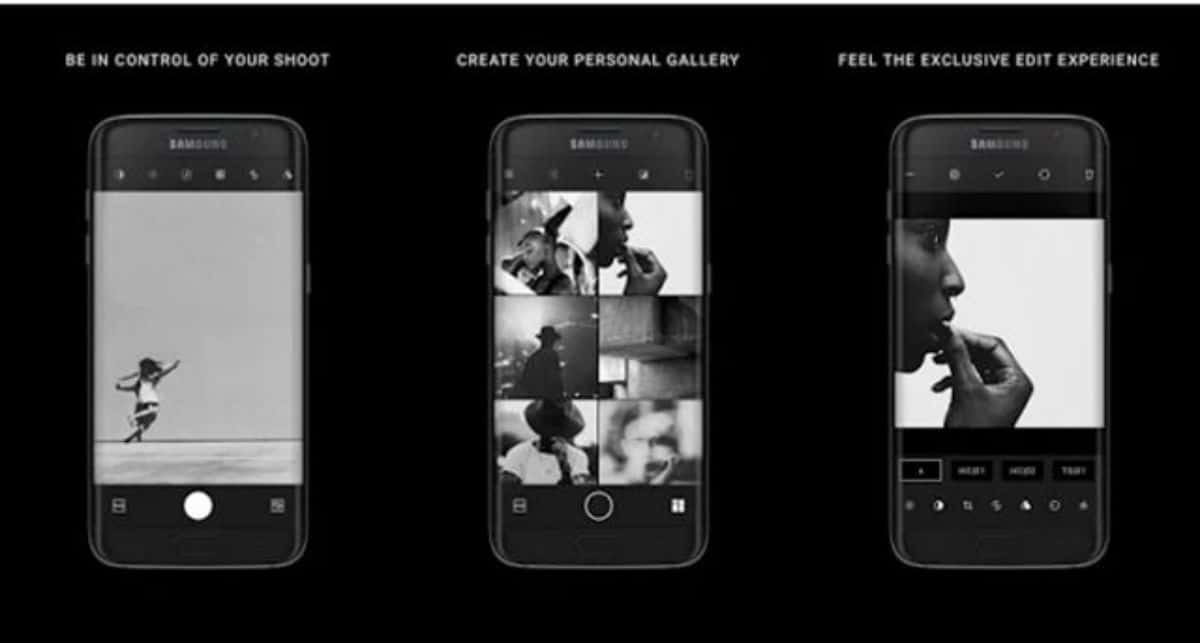
If you prefer black and white to color photography, then this is one of the best photo editing apps. It's primarily dedicated to monochrome , allowing you to view any photo in black and white.
In addition, thanks to the tools it includes, you can give it the touch you want for an incredible final result. You can use it on both Android and iOS.
Foodie
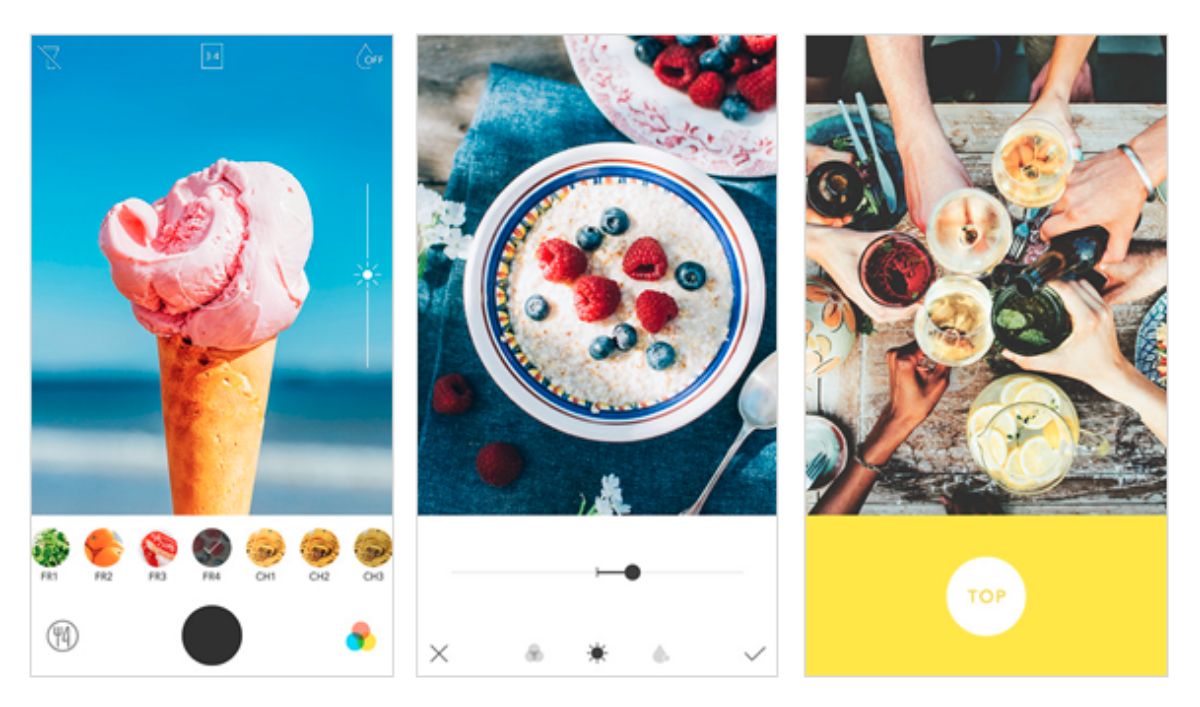
For iOS and Android, this app is focused on food. And if you notice, when a person goes to a restaurant and they are served a dish, one of the usual practices is to take a photo before putting the fork in it (and be careful with doing it without first taking the photo of rigor) .
But of course, if you then run it through a "beauty salon" like this app, the result is even more amazing. What does the app do? Well, it takes care of aligning the photo, adding lighting, enhancing the colors, and making it look like a delicacy fit for the gods.
App to edit photos: Photo collage
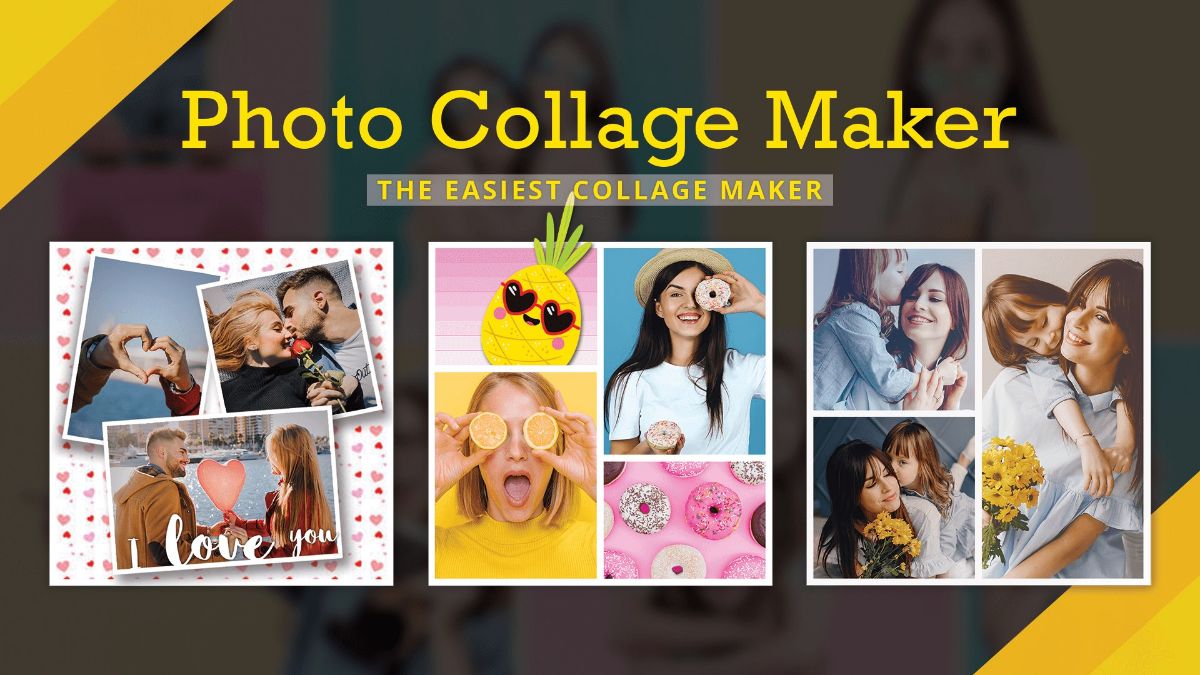
This app isn't so much for editing photos, although you can do that too, as it is for creating collages. It also offers over 5000 different templates that you can then edit however you like, changing colors, adding stickers, text, and more.
It can be used on Android and iOS.
App to edit photos: Visage
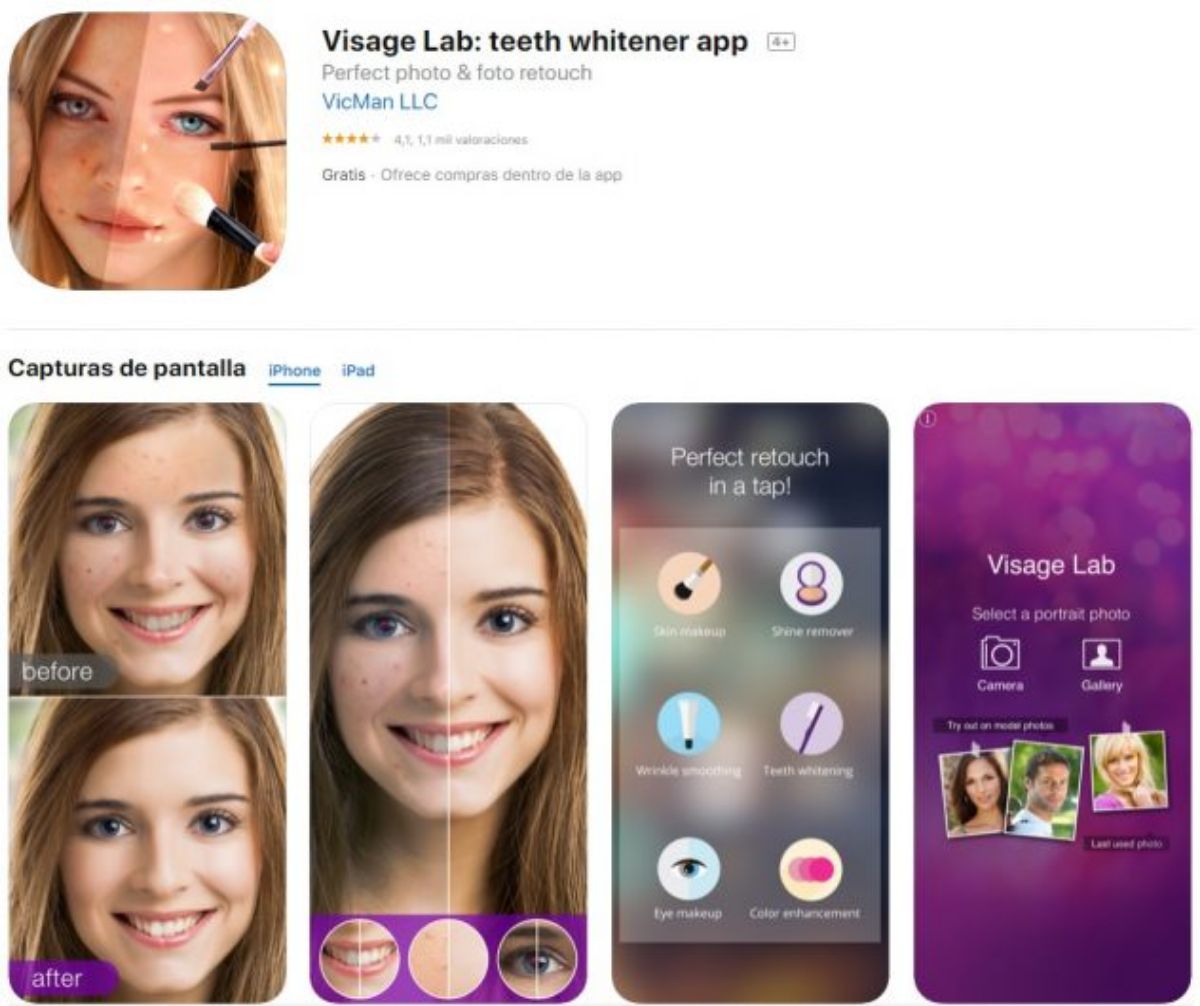
And an app for editing selfies, which are usually the most common type of photos. This way you can remove imperfections so you look perfect in those pictures: goodbye under-eye bags, yellow teeth, blemishes, etc. With it you can smooth your skin, give it more radiance… It can even apply makeup!
Like the previous ones, it is also available on iOS and Android.
Table of Contents