

Pixel art is a way of creating or editing digital images pixel by pixel . This form of graphic art was one of the first to be used for creating images digitally, and it continues to be used today, appealing to many people for its retro feel.
On the web there are many programs to work this type of graphic art and in this article we show you some online tools to make pixel art, so take good note of them.
Tools you should have to make Pixel Art
Appreciate
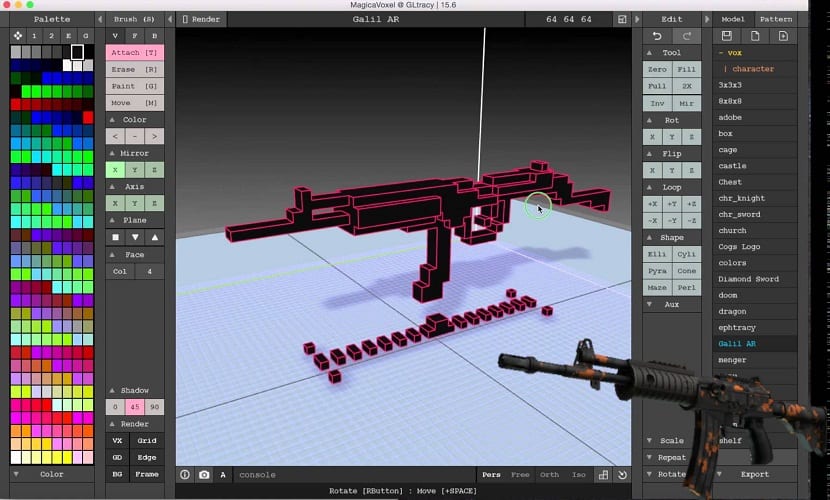
Among those we can mention, the most recommended pixel art editor is Aseprite , which is used not only for editing but also for developing animations.
It has advanced features for making animations, such as layer support, a full range of colors from which to choose different effects to create light and shadow, and many others that we can use; in addition, all the images we have made can be saved in FNG or animated GIF format.
It should be noted that this editor is an open source multiple support, this means that it can be used on Windows, MAC or Linux.
pixel edit
This tool is a way to edit pixel art, especially for those projects involving levels and animation in video games.
Those graphics made for the levels can be easily exported and can be added to the video game code, for example to make test simulations and these animations are also in animated GIF format.
Pixel Edit has an interface designed similarly to other programs used for graphic editing, with a list of instruments located on the left, a list of tools on the right, and other windows; the free space in the center is used for drawing.
mtpaint
This tool is a pixel art editor that uses open source code , which can be described as going back in time, whether due to its appearance or hardware requirements; that is, it works with 16 MB of RAM on a PC, reminiscent of applications made in the late 90s.
Despite its rather retro appearance, mtPaint offers several advanced features, such as a 2.000% zoom tool that allows for more comfortable work, an undo tool that allows you to undo up to 1.000 actions, support for up to 100 layers, a variety of more than 80 brush presets, a full range of colors with dozens of functions, a screenshot tool, and a tool for creating animated GIFs.
GraphicsGale
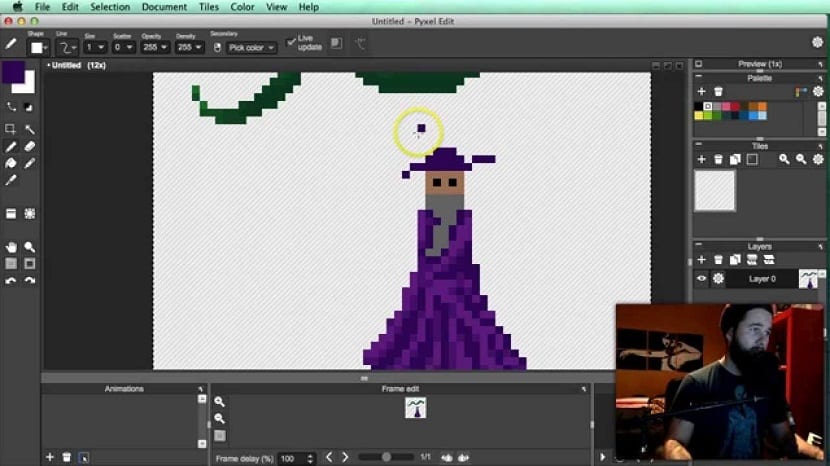
Another online tool for creating pixel art is GraphicsGale. Similar to the previous application, it has a simple interface but offers an easy way to create pixel art, and it can also be used to create animations. It allows you to preview your animations, supports layers, and includes other tools for working with pixels.
Piskel
Featuring a more professional interface, a list of different tools on the left, currently used colors, and many other functions, Piskel can work on Windows and Mac , and can also be used as an online editor in a web browser. Like the previous applications, it allows us to create animations.
make pixel art
For those people who prefer not to download a program for their computer, we bring you the Make pixel art, which works directly from the web browser.
It's a very simple way to work with pixels , but it has many basic tools that you can use to draw, paint, erase, select from various colors in its range, darken and lighten the image you want to design, and at the end you have the possibility of sharing all your creations online.
Table of Contents