

Pixel art is experiencing a resurgence thanks to the boost it received from mobile games. Since these games run on mobile devices with limited battery life, pixel art is perfect for conserving battery power while maintaining an attractive visual style. There are excellent online design tools available for creating this unique art form. One of them is Piskel.
This editor is relatively easy to use, making the task of fitting pixel by pixel and forming images little by little, to create a spaceship or the main character of a video game, for example, very easy. Our skill and our imagination are what will set the limits.
What is Pixel Art?
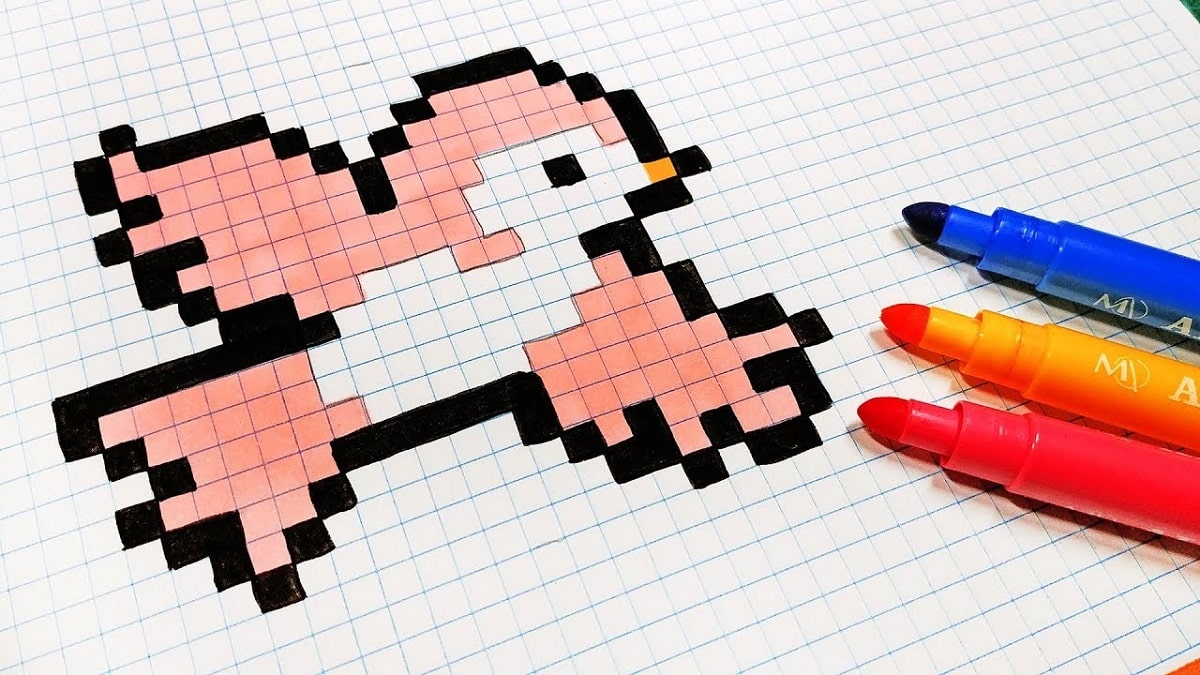
The so-called "pixel art" is an artistic discipline that, through the use of a computer and a graphic editing program, allows the creation of elaborate images pixel by pixel.
The golden age of pixel art occurred during the development of the first video game consoles and the earliest mobile and computer games. It must be said that at that time, it was more the only available graphic solution than an art form . With the evolution of digital technology, pixel art was eventually displaced by other graphic methods that allowed for the creation of increasingly perfect and realistic images, which even put the graphic achievements of early video games to shame.
It seemed that pixel art had been buried in history forever. However, nostalgia and a taste for retro style led to its rescue from oblivion a few years ago by young artists. Talented creators who have been able to master and improve the techniques to achieve new forms of expression. And all of this, pixel by pixel.

This is how piskel works

Before starting with Piskel, it's important to clarify that you'll always get more out of this program if you already have some artistic skills . For example, if you're a good illustrator, know color theory , or have a basic understanding of art history, your performance will naturally be much better.
You also have to know that to get a good work of Pixel Art with Piskel or through any other similar editor, you need to be thorough and patient. It could be said that this is almost a work of craftsmanship.
An interface with many options
Piskel allows us to create a real-time preview of our work, meaning we can see our progress at all times. It has a very simple interface equipped with a series of familiar tools that streamline the workflow, helping us achieve the artwork we want to create.
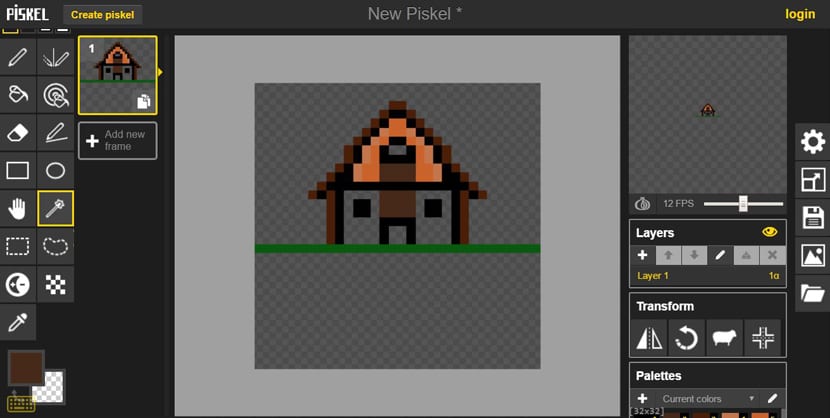
Some of the tools we'll find on this unique workbench include the pencil, the mirror pencil for creating symmetrical drawings, the paint bucket for filling surfaces, the eraser, the hand or wand tool for moving drawn figures, the light and shadow applicators, and rectangular or circular shapes, for example. Furthermore, some of the pencils allow us to select the thickness measured in pixels: one, two, three, or even four pixels.
In short, a lot of options with which we are going to be able to define all the details of our character or pixelated landscape.
It's not as hard as it looks. If you're familiar with other image editing programs, it's easy to learn Piskel's tools. Even if you've only used the Paint primitive, the idea is the same.
Images and animations
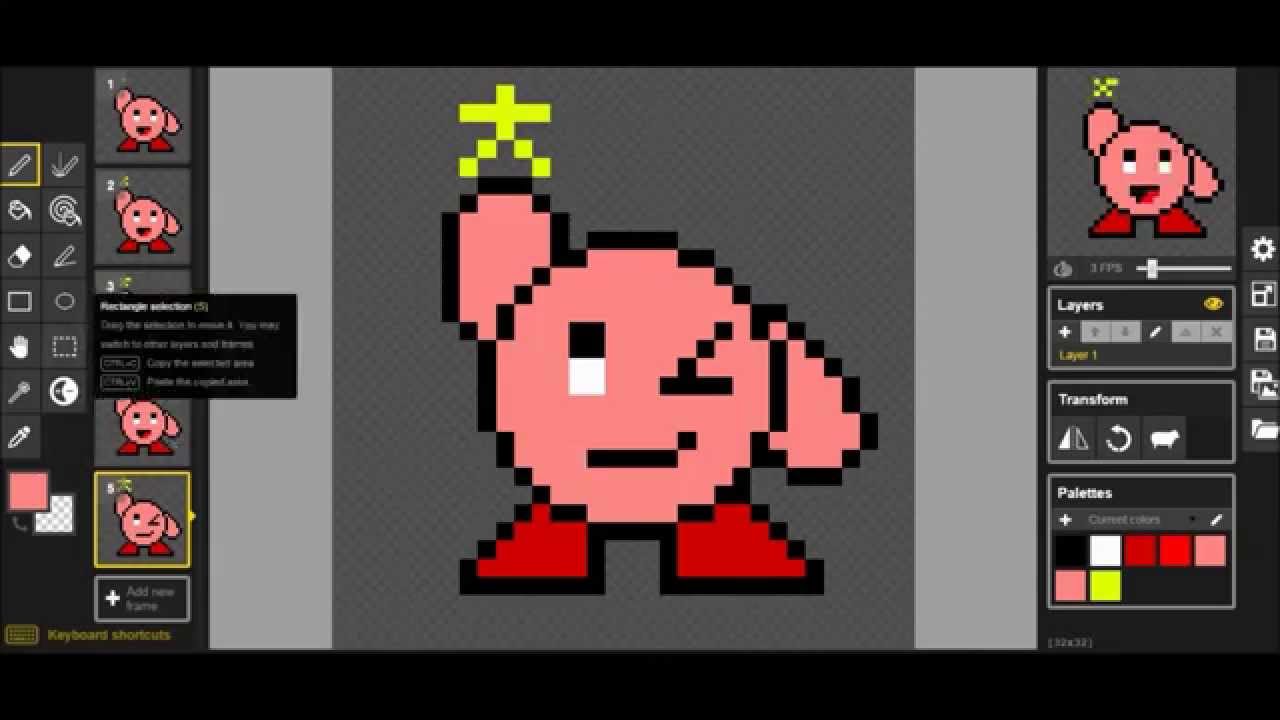
With Piskel, our pixelated creations come to life . Simply add a new frame (duplicate the image) and draw your character in a different position: running, jumping, moving its head, smiling… And that's it, we've worked the miracle of movement.
Sometimes a small change is enough to achieve an impressive effect. Logically, the more frames we use, the more successful the animation will be, although in the universe of Pixel Art the old saying “less is more” is strictly applied. Simplicity is part of the charm of pixelated images.
Once we've defined the changes, we can choose how the animation (or sprite , if we're using the appropriate technical terminology) will be displayed. It's not complicated, as a real-time preview is available at all times to see how everything is coming together.
Save and share our creations
Piskel also allows you to save all your work and even display it in a public gallery (although, of course, you can also save it privately). Simply enter a description and click the "Save" button.
Image animation allows us to create animated GIFs , which we can then share. Another interesting option is to import external images and convert them into pixelated images , which we can, of course, also modify to our liking with the tools mentioned earlier.
offline versions
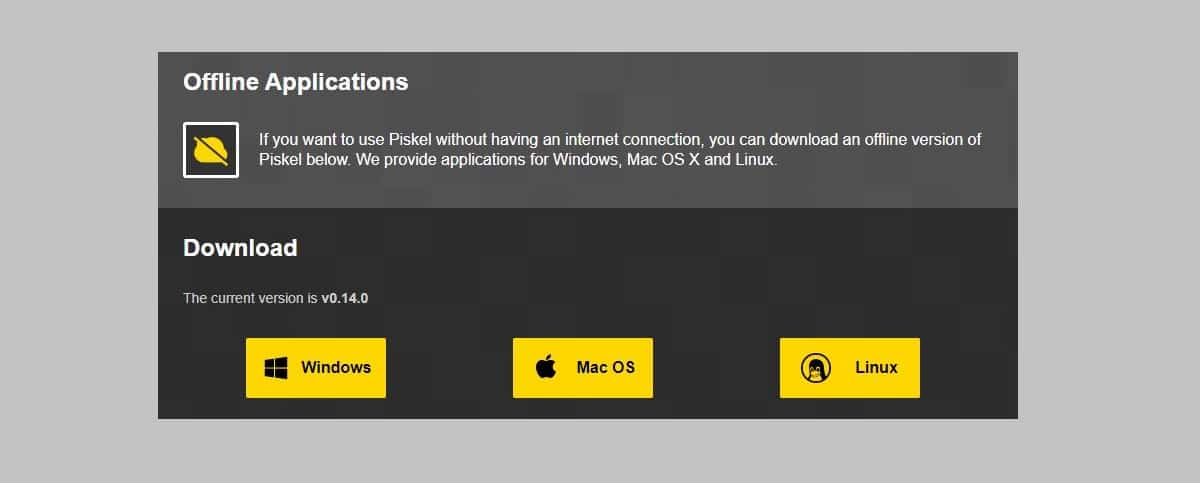
It's also worth noting that, if you don't want to or can't work on your Pixel Art project with an internet connection, Piskel offers the option to download offline versions for Windows, Mac OS, and Linux . This is especially useful when you're working on a project that requires a lot of time and dedication, allowing you to avoid relying on an internet connection.
Conclusion
Piskel is a complete and easy to use tool with which an imaginative and skillful artist can create true wonders. Totally recommended for those who are nostalgic for the games and digital iconography of the 80s, but also for retro fans.
It's also a very practical tool for testing our creativity and showcasing our artistic skills in the world of pixel art and character animation. If you're drawn to this simple yet fascinating art form, Piskel is the best way to start practicing and expressing your ideas. Are you ready to give it a try?
Table of Contents